Project Brief
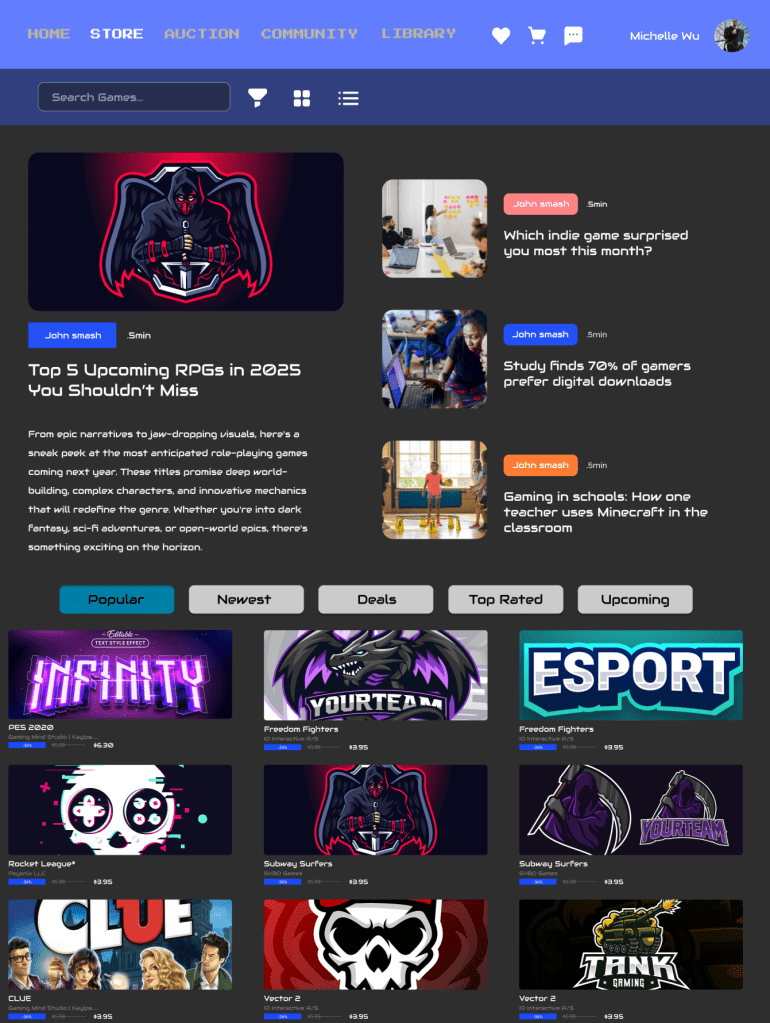
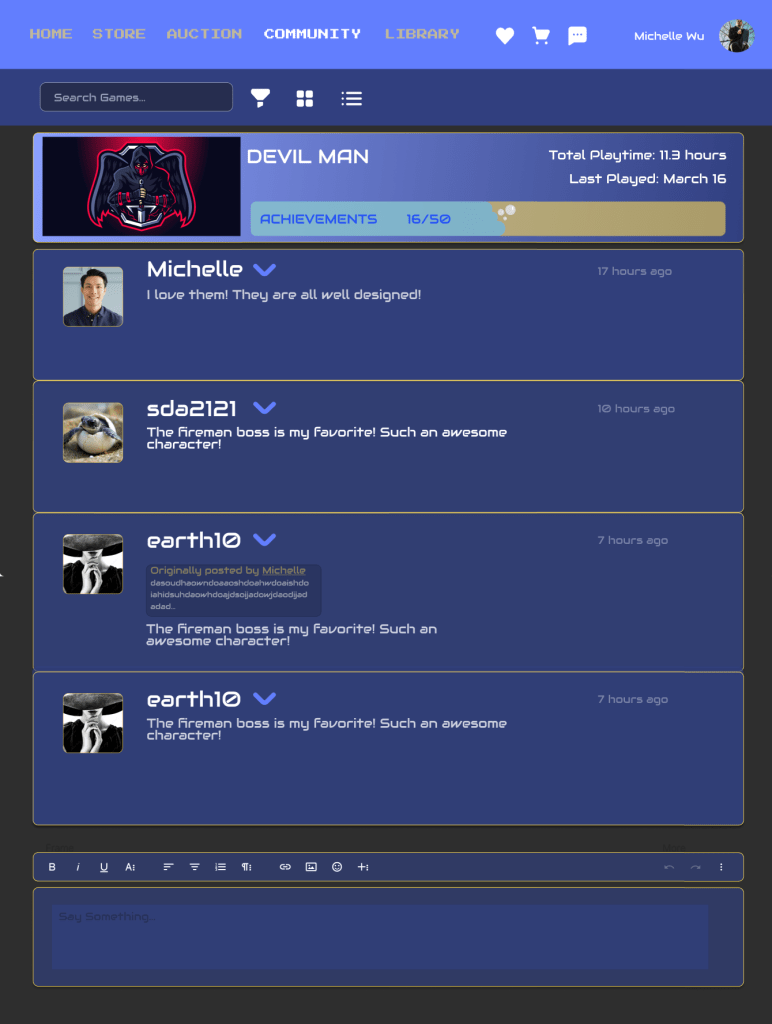
This project is a responsive design task with the goal of providing a consistent user experience across devices (desktop, mobile, and tablet). The theme I chose is PixelHeaven, an information platform designed for game enthusiasts. It not only provides the latest game news, trailers, and discounts but also generates personalized recommendations based on users’ interests and supports interactive communication with other gamers.
With the continuous development of the game industry, the amount of information that players are exposed to every day is also increasing rapidly. Existing platforms are often cluttered and not personalized enough, and users need to spend a lot of time filtering the content they are interested in. PixelHeaven tries to help users efficiently and comfortably access game-related content on different devices through an intuitive and unified interface design. Whether it’s in front of the computer for in-depth research, on the train for quick browsing, or receiving curated content and achievement updates via a tablet, the experience remains seamless.
The goal of this project is to build interface prototypes for all three devices and continuously optimize them through user testing to achieve a more usable and aesthetically pleasing design.
Project Idea & Why It Was a Problem Worth Solving
The idea for PixelHeaven came from the challenges that gamers face when trying to find the information they need.
In 2024, nearly 19,000 new games were released on Steam, setting a new record. However, this overwhelming amount of content makes it hard for players to find games they are truly interested in. According to the Financial Times (2024), many gamers said, “too many games, too little time.” This kind of information overload can make them feel tired and stressed.
In addition, the U.S. video game industry generated $101 billion in economic output in 2024 and supported nearly 350,000 jobs (Entertainment Software Association, 2024). This shows how important gaming has become in both culture and the economy, and how much players need high-quality, personalized content.
Personalized experiences have become key to improving user engagement. Research shows that personalized game experiences can increase user engagement by 10% to 30% (Mainleaf, 2024). This means that when content is customized to users’ interests and behavior, they are more satisfied and more likely to use the platform longer.
Also, in 2024, U.S. consumers used an average of 22 GB of mobile data per month (Astound, 2024). This shows how much people rely on digital content, and why it’s important to provide efficient and personalized information platforms.
PixelHeaven aims to offer a consistent and personalized user experience across desktop, mobile, and tablet through responsive design. By combining curated news, personalized game recommendations, and community features, PixelHeaven helps players stay informed without feeling overwhelmed.
My Design Process & Individual Work
- Software Used:
- Illustrator
- Figma
- Photoshop
- Adobe Color / Adobe Stock
- OBS Studio (for recording walkthrough video)
- Early Stage Tasks:
- Created a moodboard and sketches to define the overall visual tone and design direction
- Conducted user research and background research
- Performed competitive analysis of platforms like Steam, IGN, and GameSpot
- Built multiple user personas based on player types and device preferences
- Designed a user flow diagram to map out key interactions
- Interface Design:
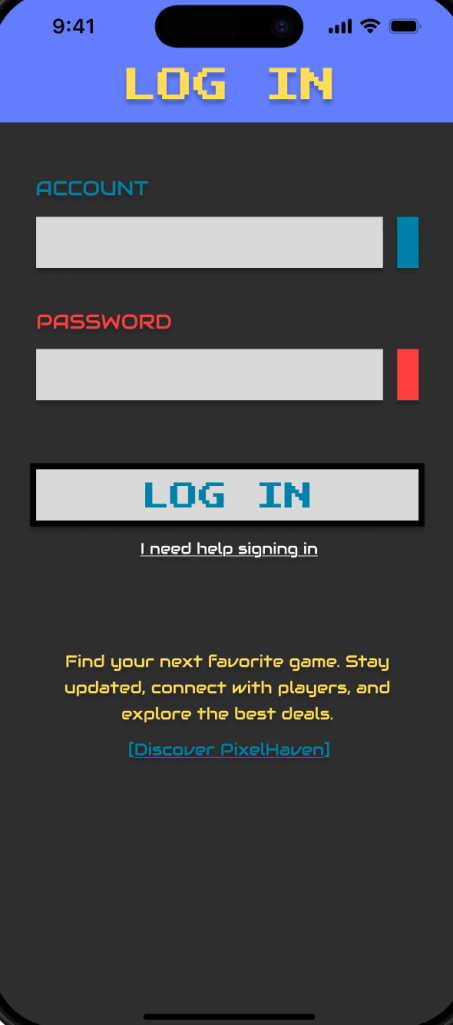
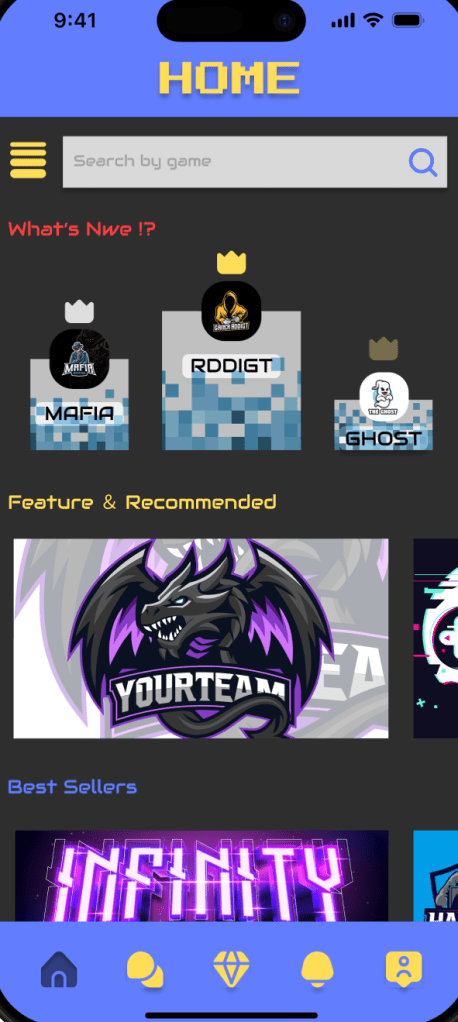
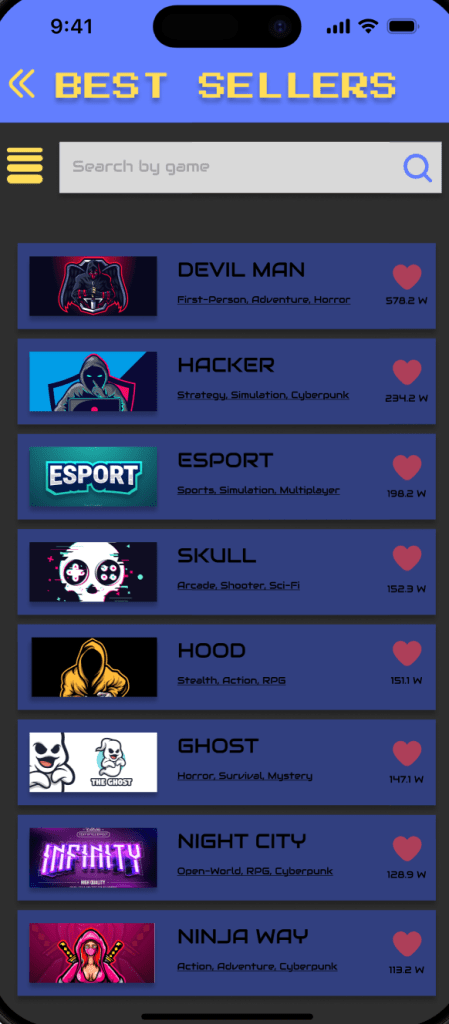
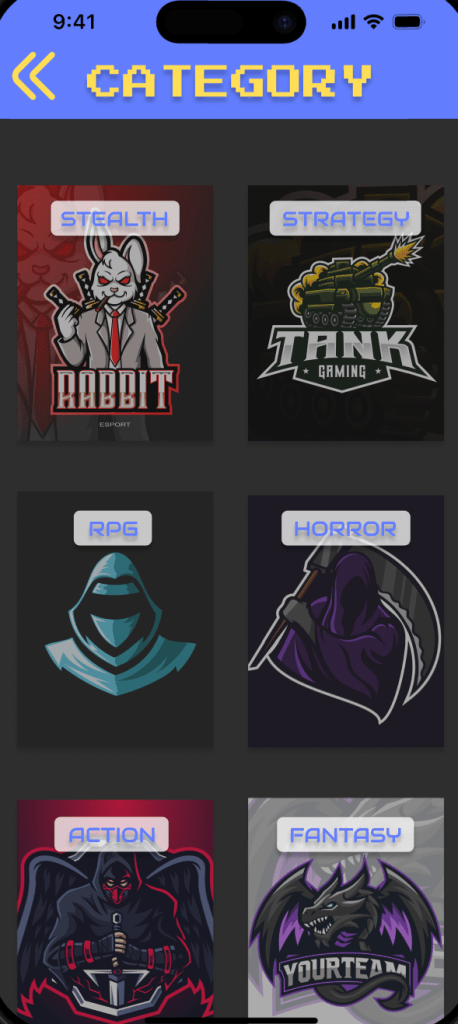
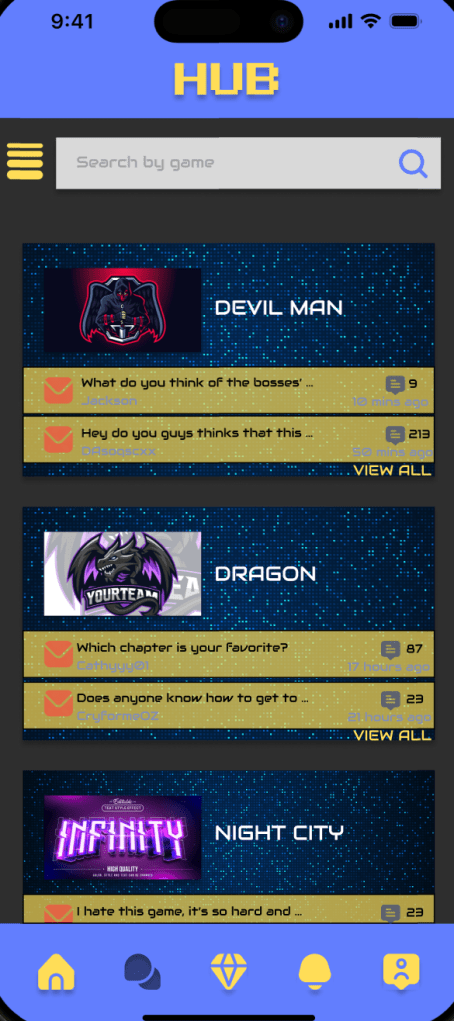
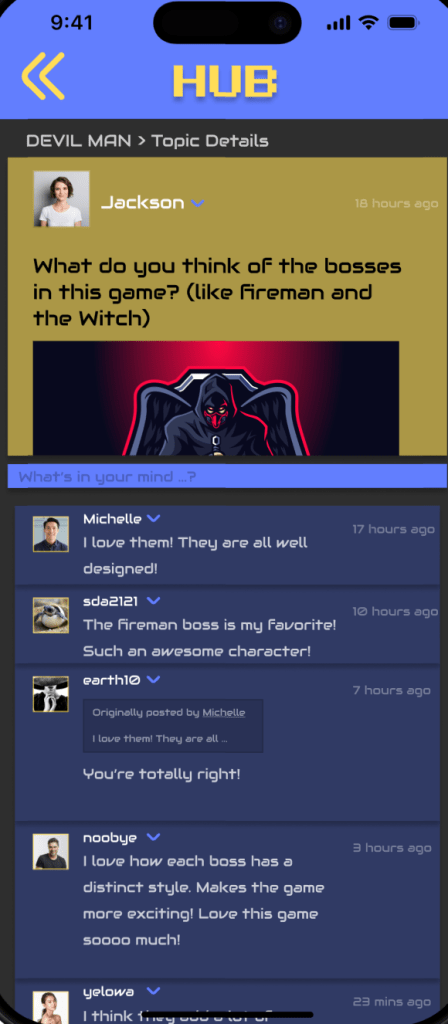
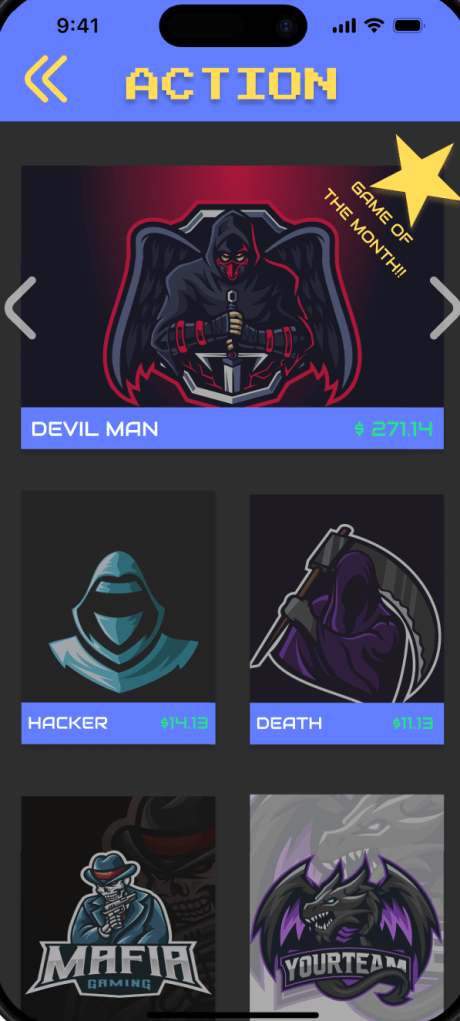
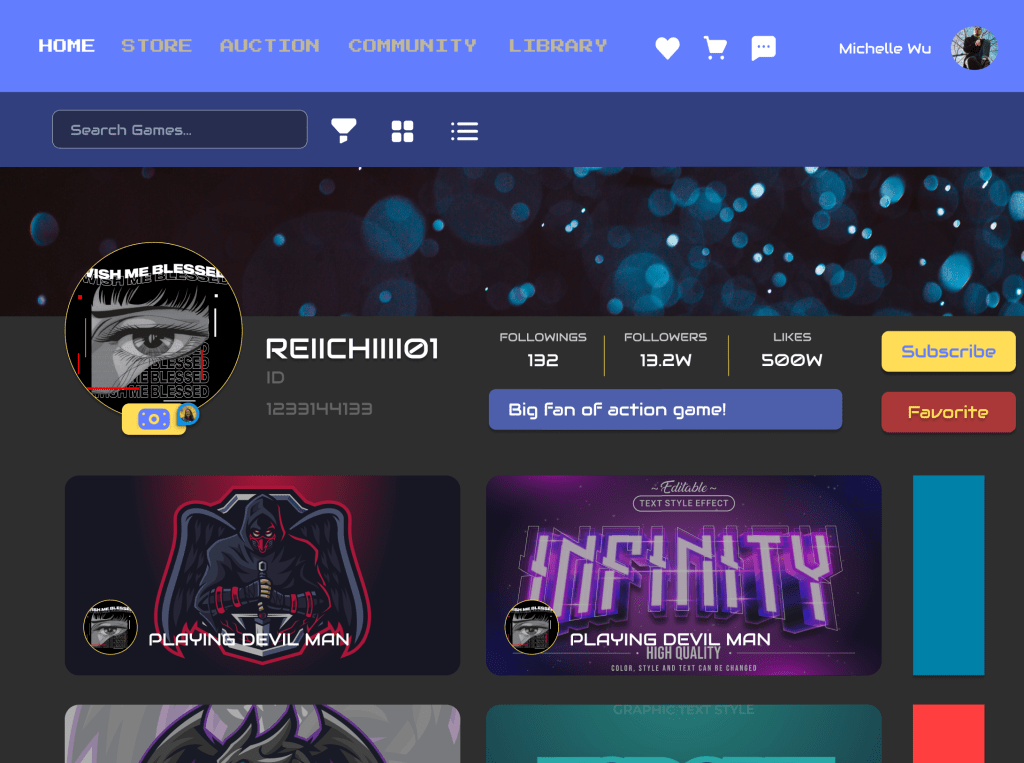
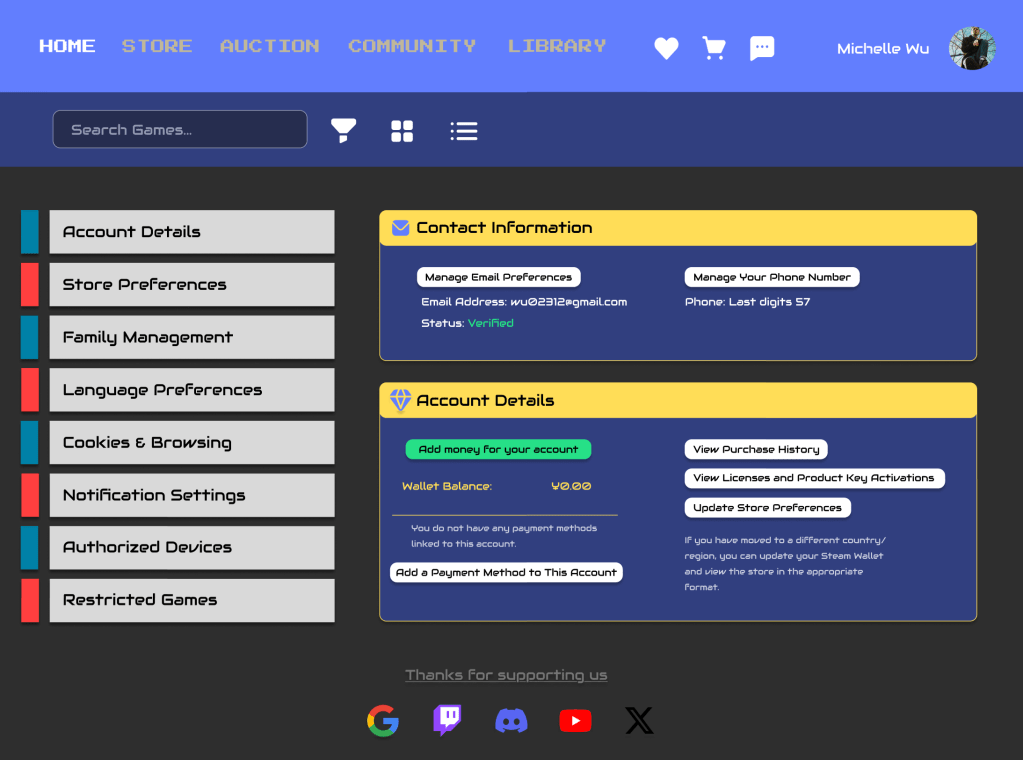
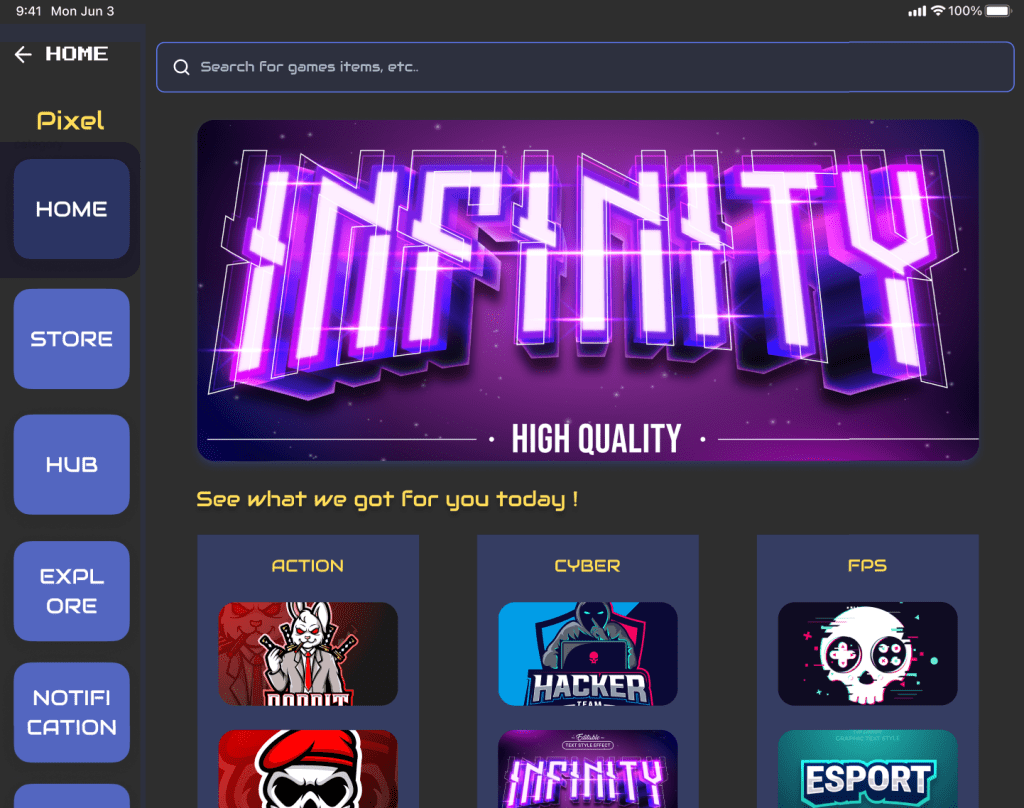
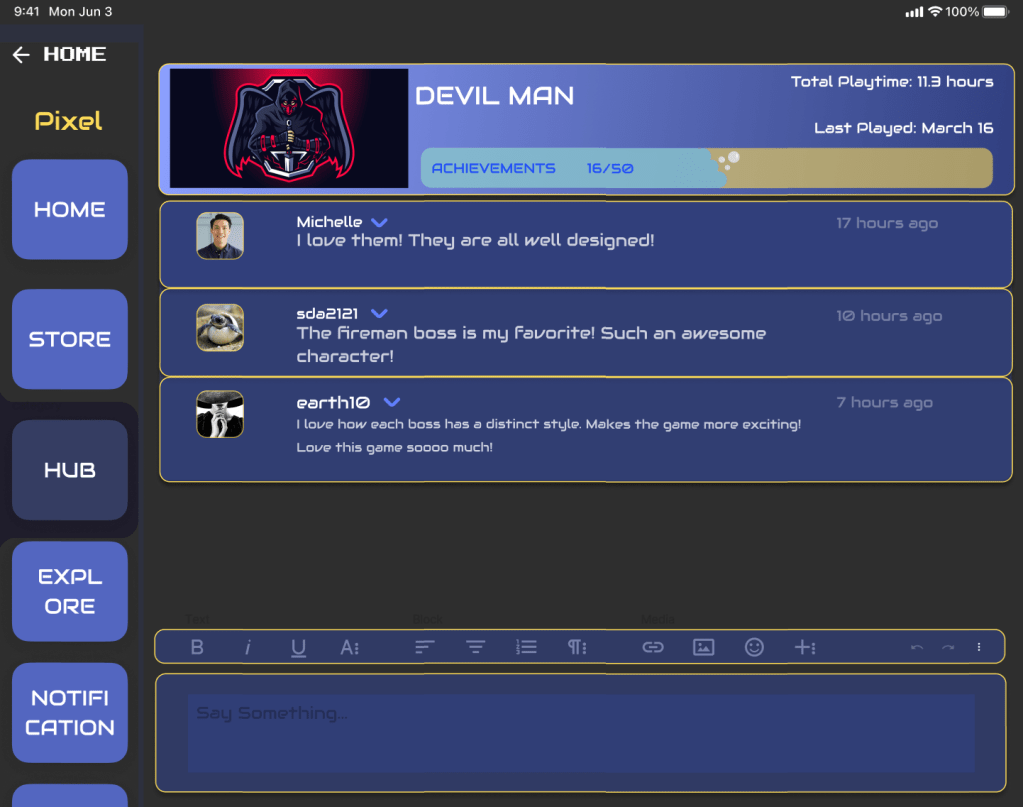
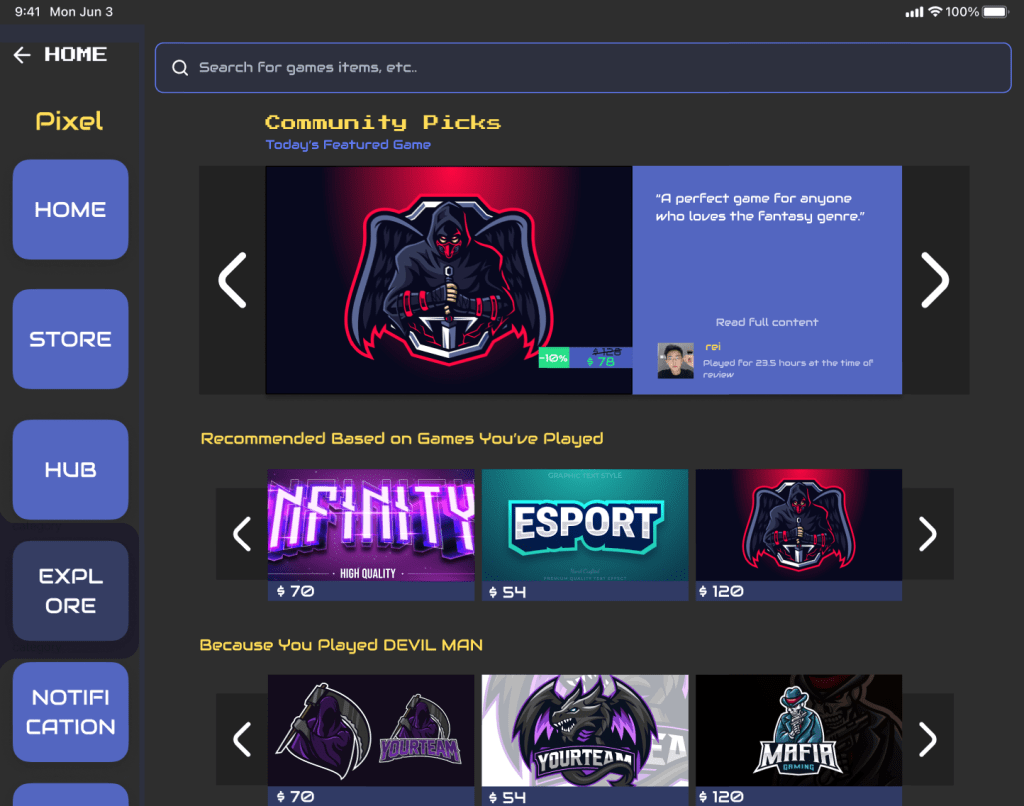
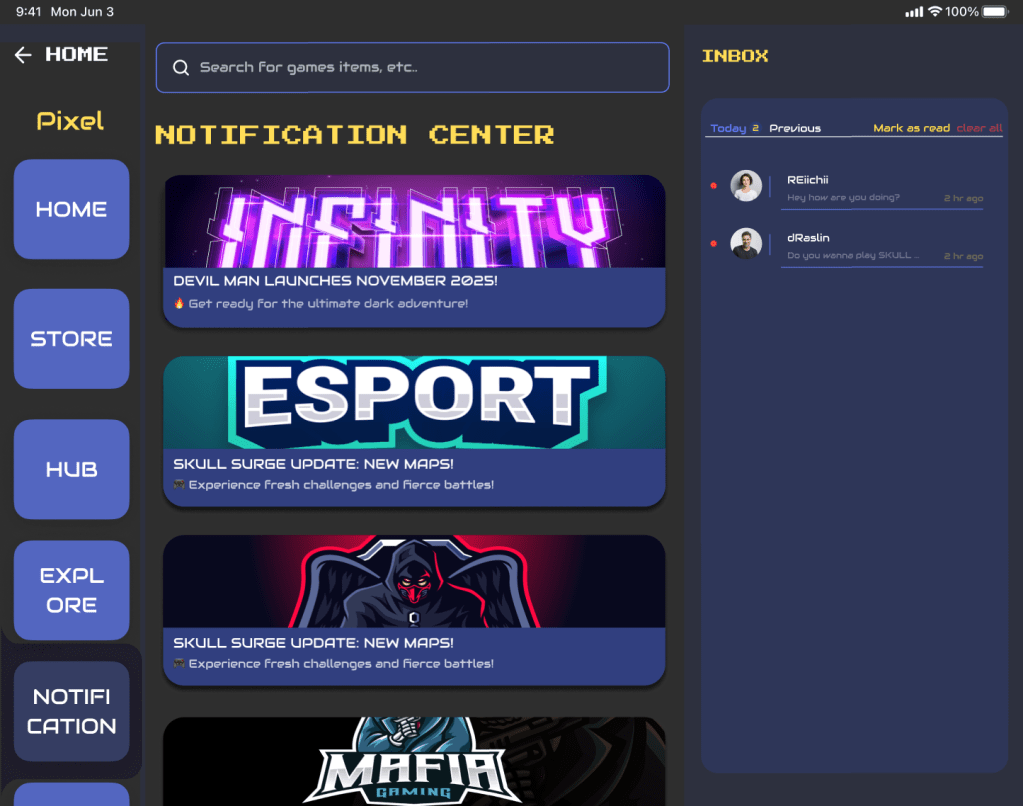
- Designed responsive layouts for three platforms: desktop, mobile, and tablet
- Created 10 key functional pages for each platform, including
- Registration/Login
- Homepage
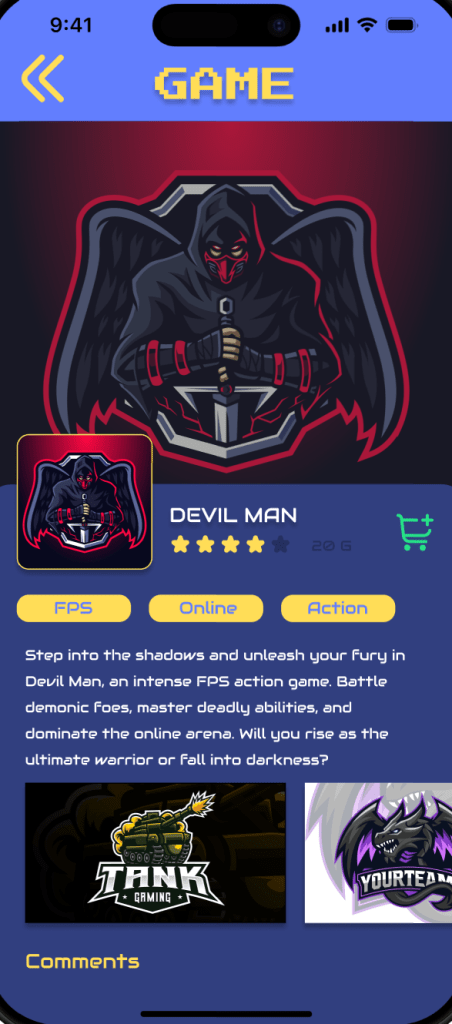
- Game Detail Page
- Store
- Community
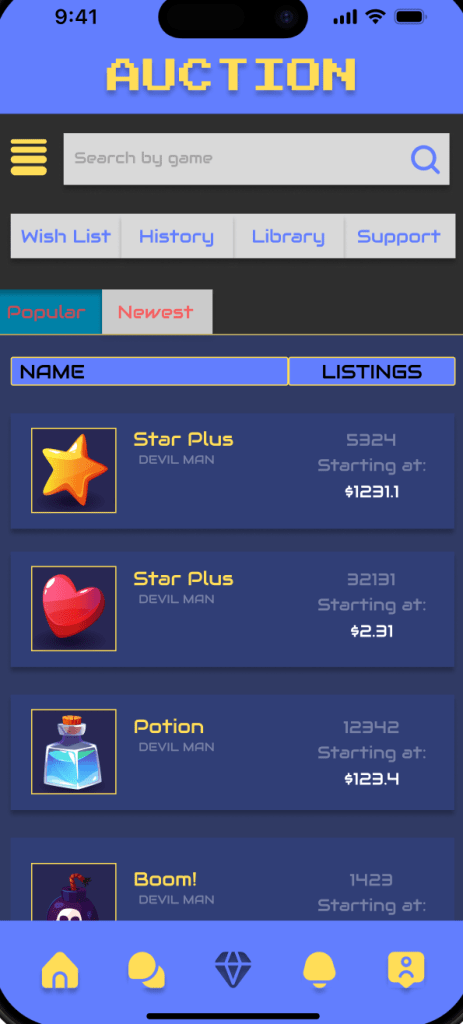
- Auction Center
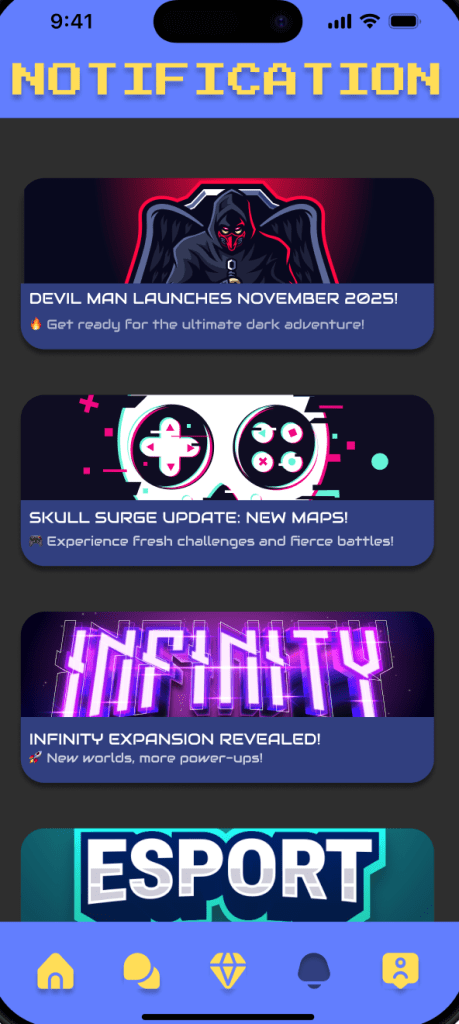
- Notification Center
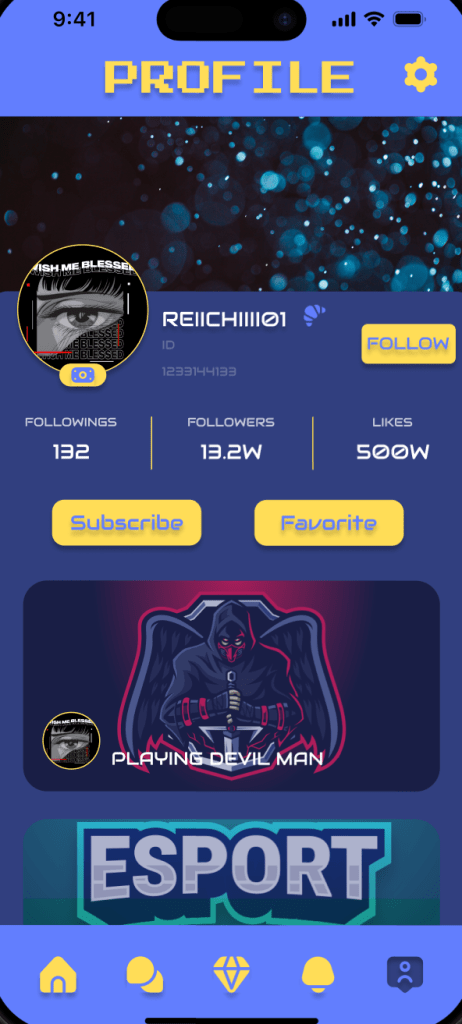
- User Profile
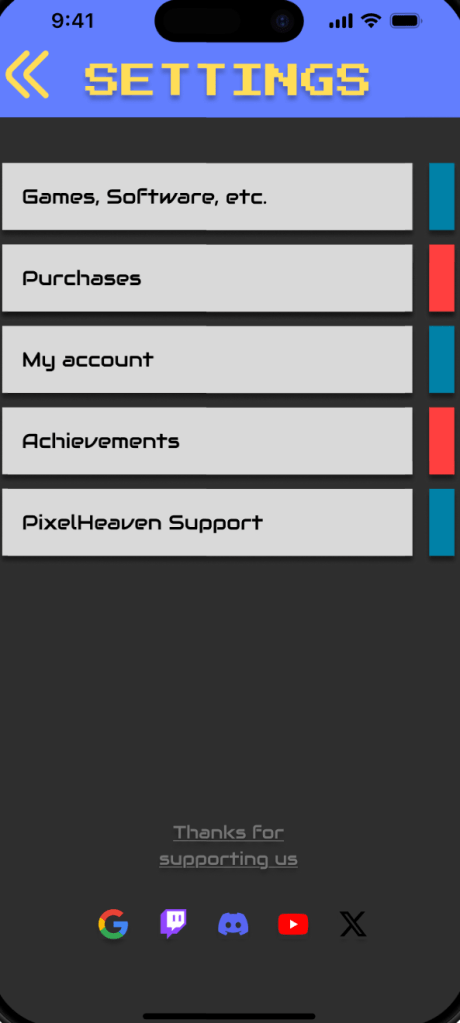
- Settings
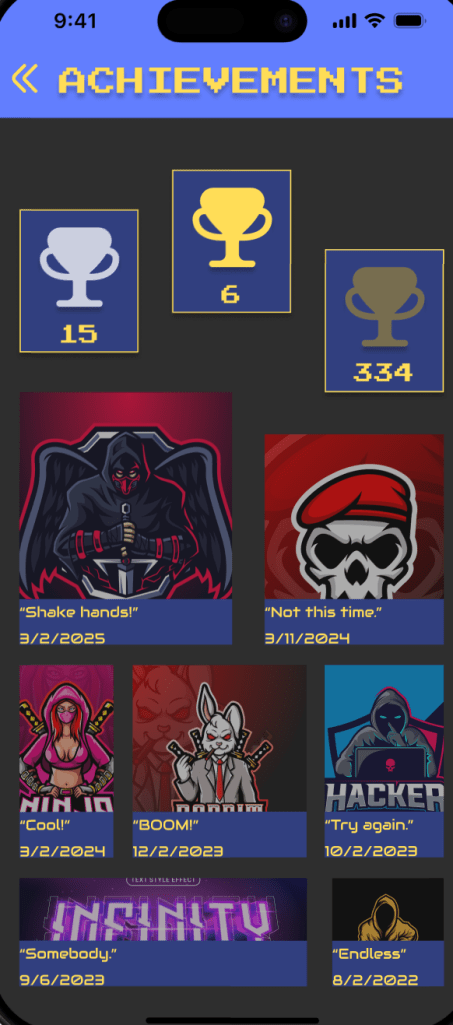
- Achievements/Purchase Flow
- Prototyping & Testing:
- Built interactive prototypes in Figma
- Conducted usability testing with 5 users
- Applied feedback and made design improvements:
- Refined account registration and password recovery flows
- Improved layout and clarity of the game detail page
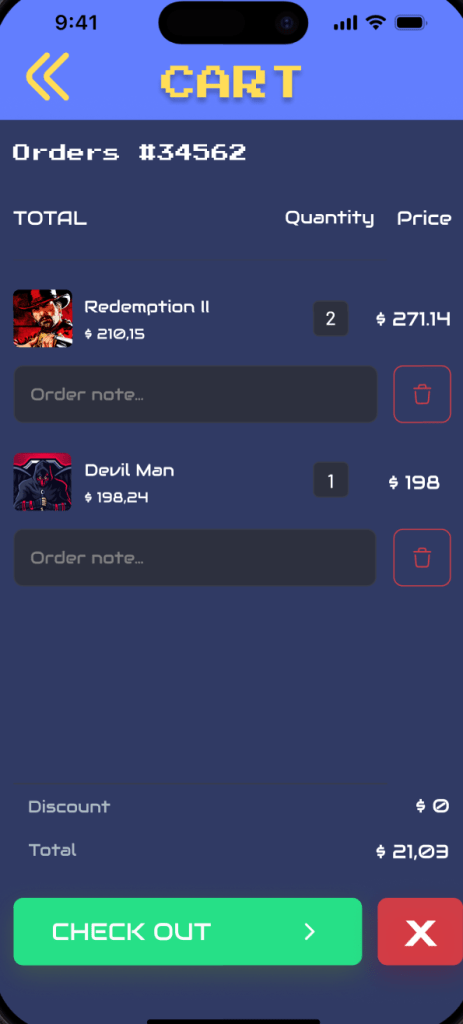
- Streamlined the purchase process
- Time Breakdown:
- Moodboard & research: ~4 hours
- UI design for all three platforms (~10 pages each): ~36–40 hours
- Prototyping: ~6 hours
- Testing review & iteration: ~13 hours
Design Updates
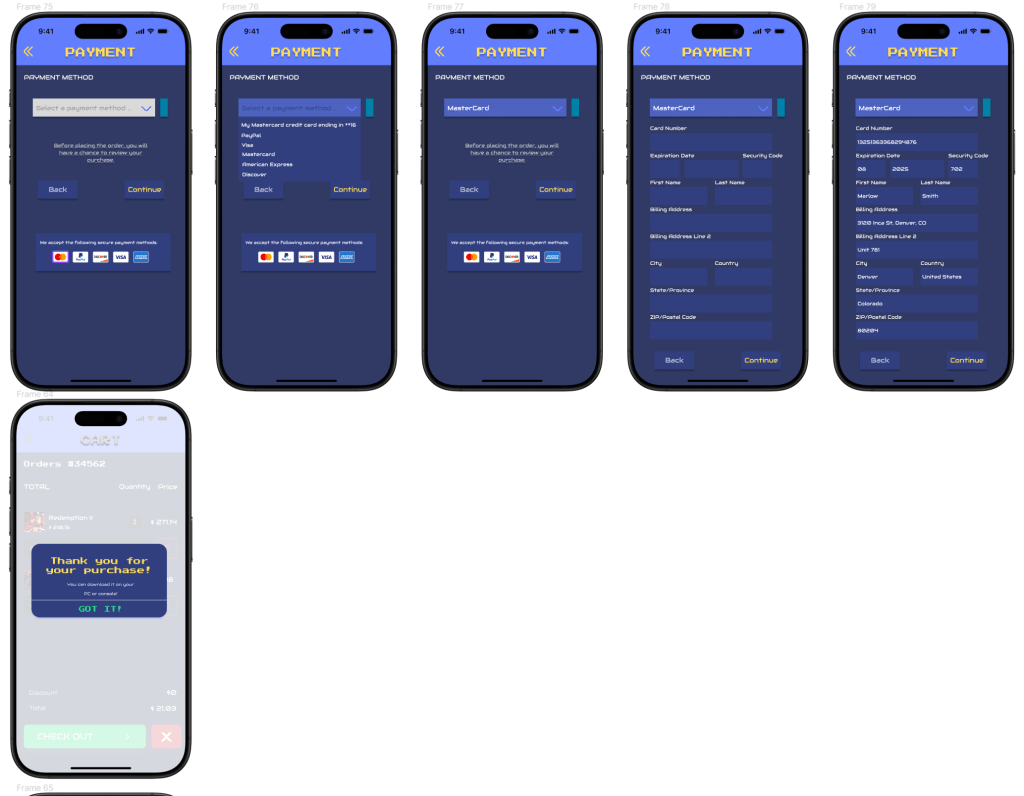
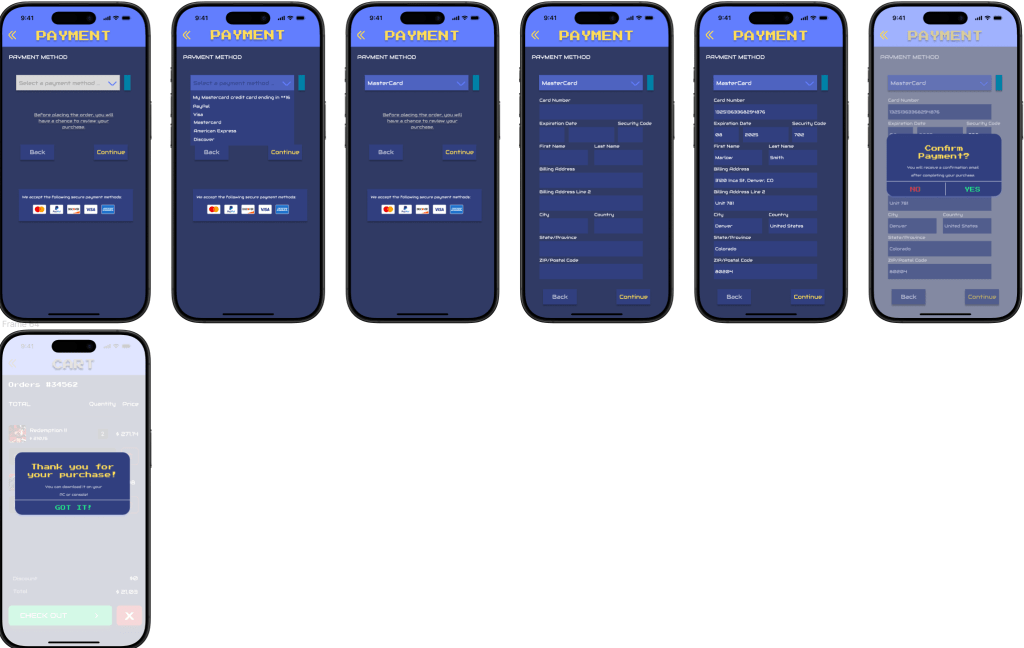
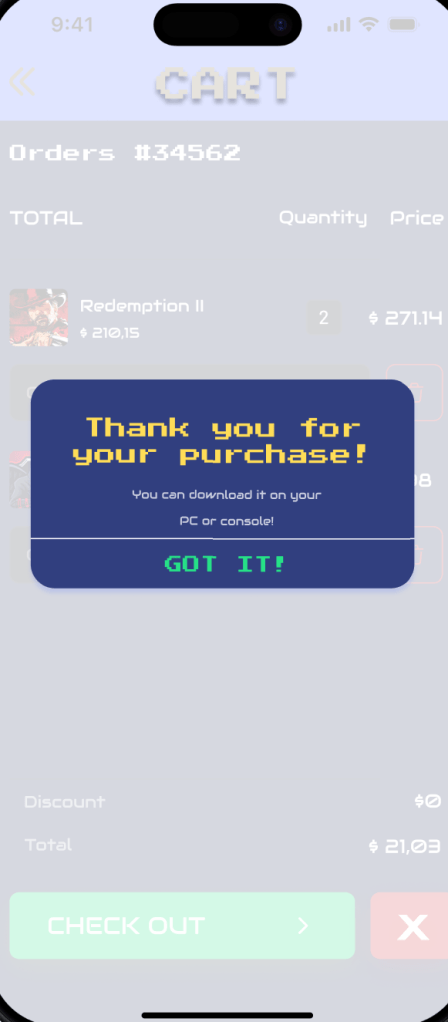
Usability Issue 1: Adding Payment Confirmation Page
Problem:
In the original design, there was no clear confirmation message after users completed a payment. This caused uncertainty about whether the transaction was successful.
Solution:
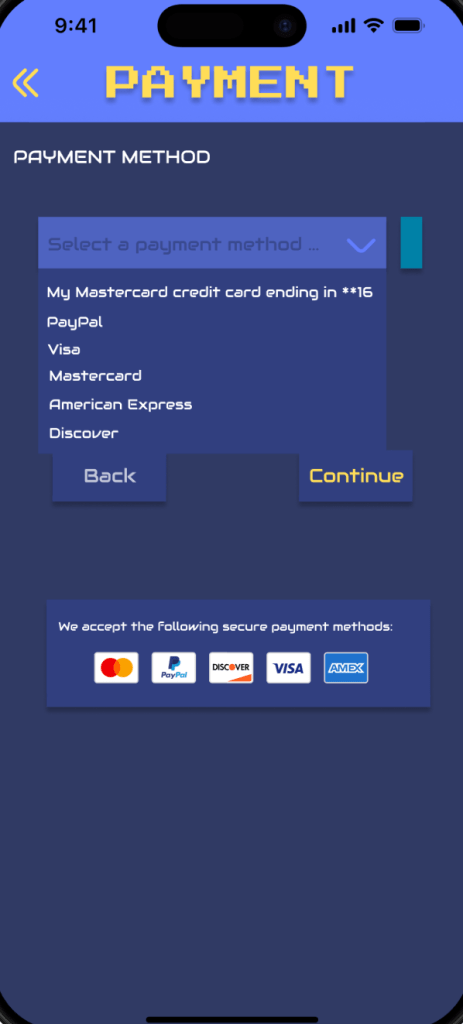
I added an extra confirmation step asking users if they are sure they want to proceed with the payment. This helps prevent accidental purchases and provides users with a clearer sense of control before completing their transaction.
Before:
After:
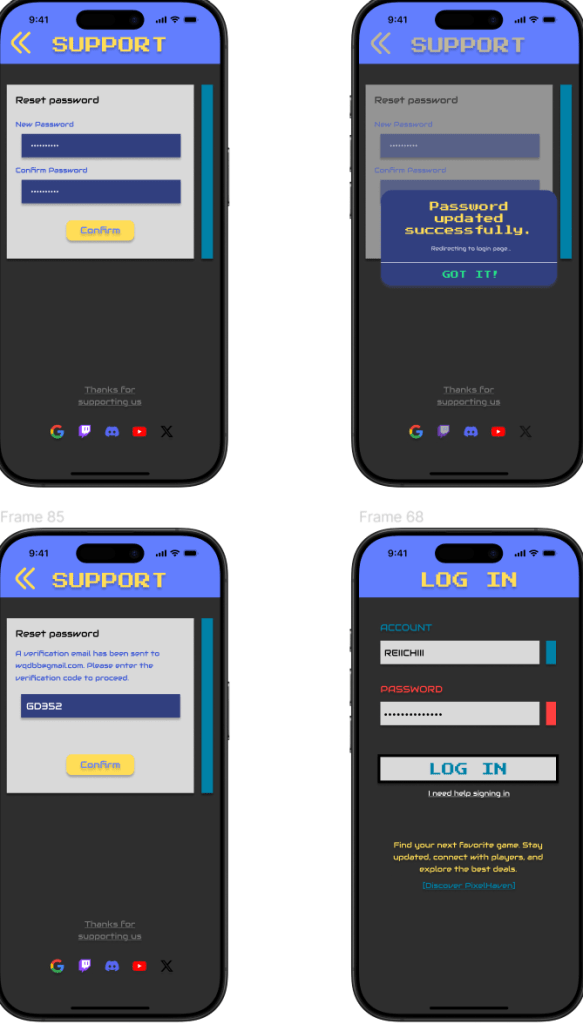
Usability Issue 2: Adding Forgot Password and Sign Up Screens
Problem:
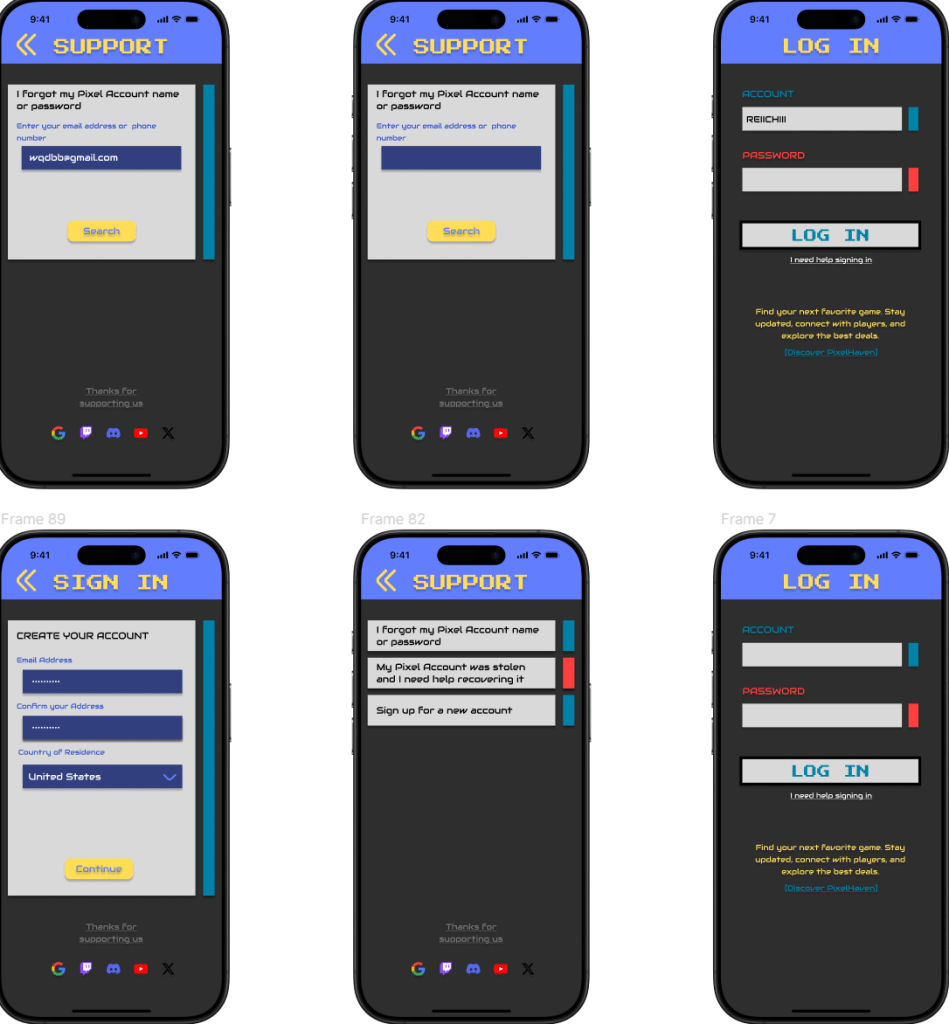
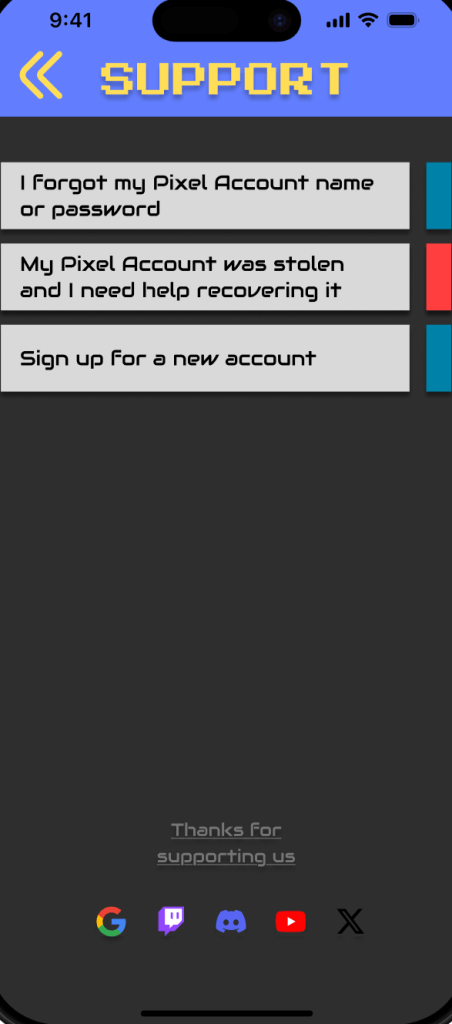
The original flow lacked a “Forgot Password” option and a fully separate sign-up process for new users, creating difficulties for users who forgot their login credentials.
Solution:
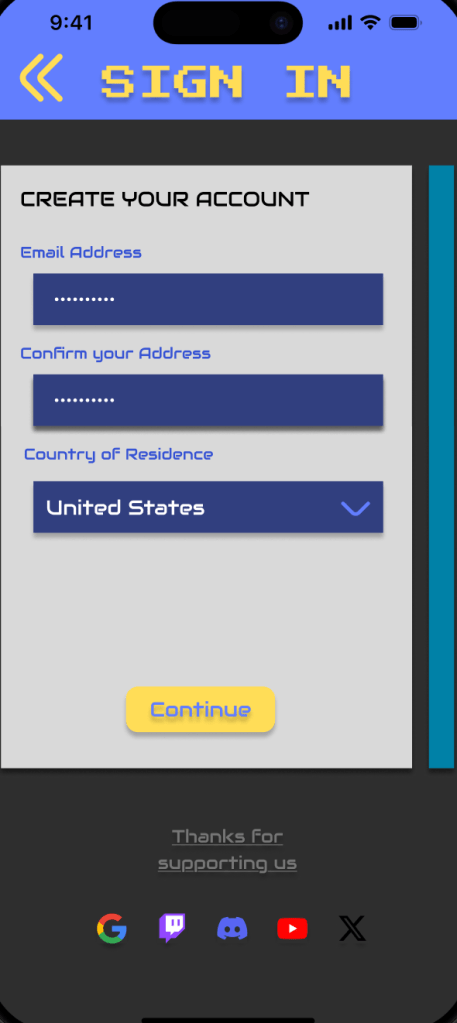
I added a “Reset Password” page where users can retrieve their accounts by entering their email or phone number, and I designed a dedicated “Sign Up” page for new users.
Before:

After:
Accessibility Issue 1: Improving Text Size and Typography
Problem:
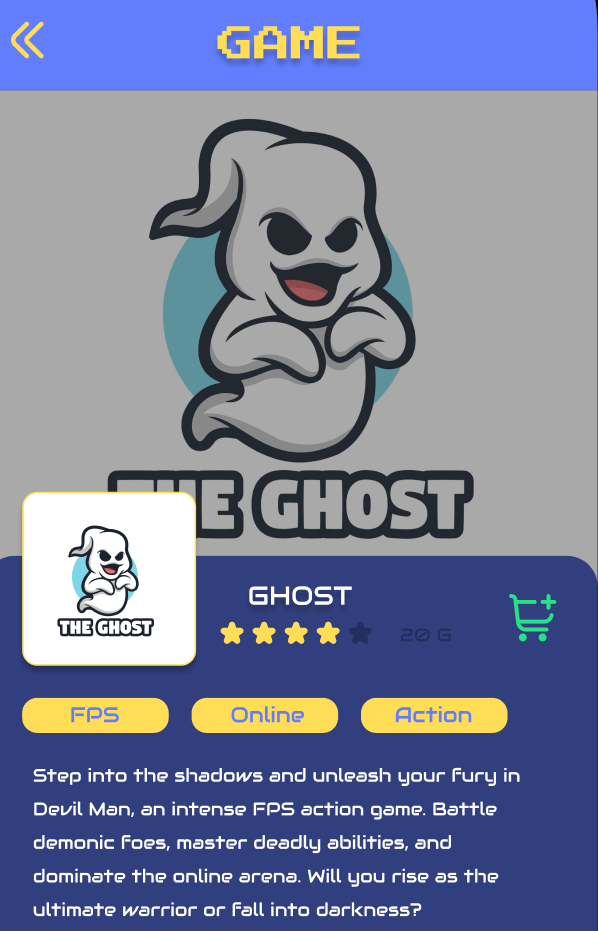
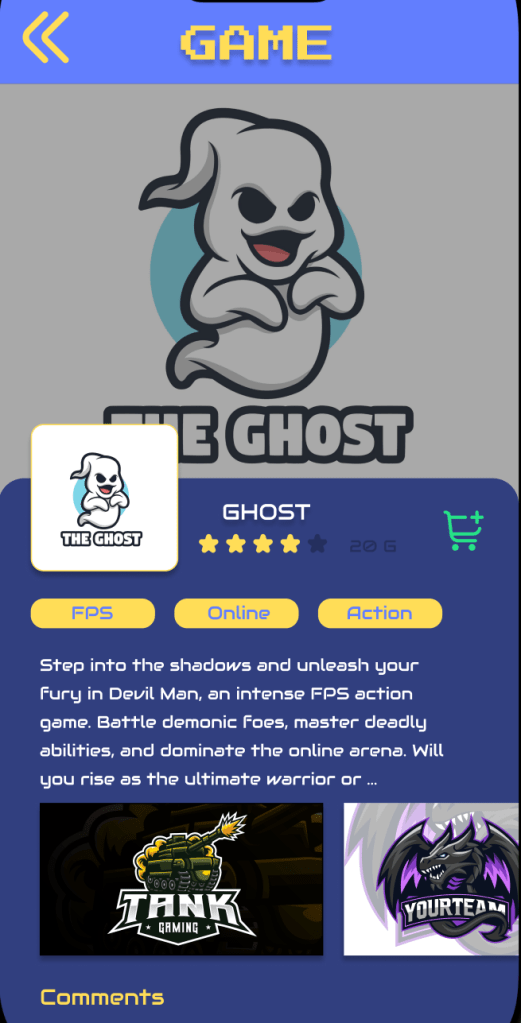
Some of the text elements were too small, making it difficult for users to read comfortably, especially on smaller screens.
Solution:
I increased the body text size to between 13px and 16px, adjusted the line spacing to 1.5x the text size, and ensured that all fonts used are clear and readable.
Before:
After:
Accessibility Issue 2: Increasing Button Size
Problem:
Some buttons were too small to tap easily, especially on touchscreens.
Solution:
I increased the minimum button size to 40×40px across the app. This ensures that all tappable elements are large enough to meet accessibility guidelines, enhancing the overall user experience.
Before:

After:

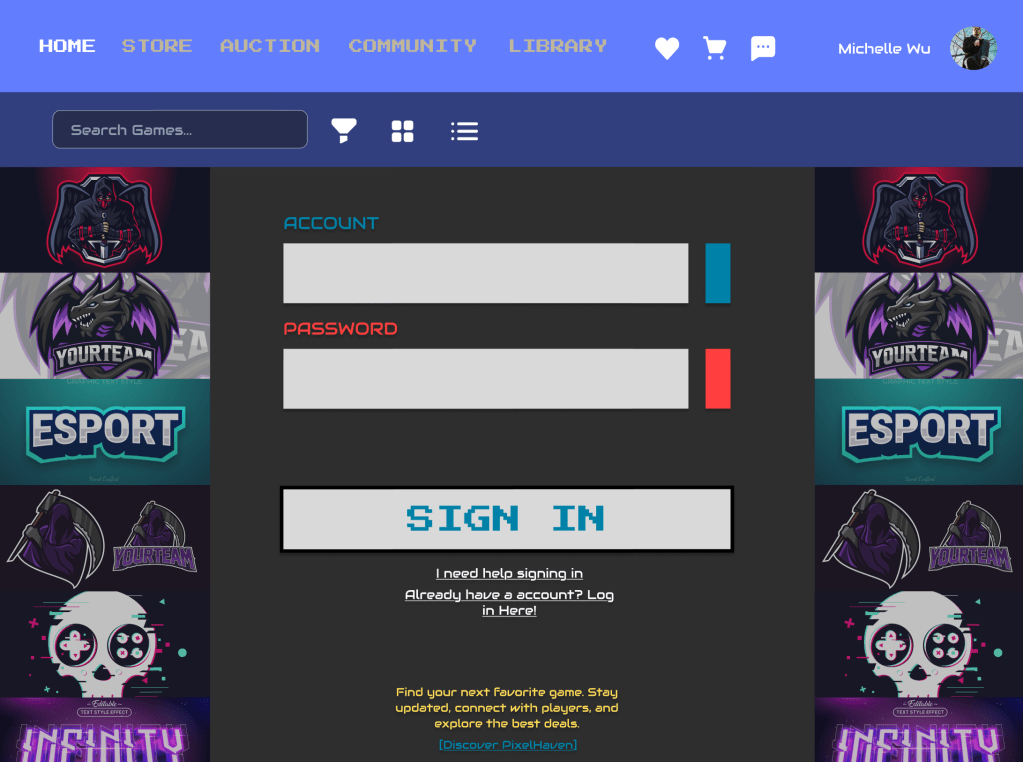
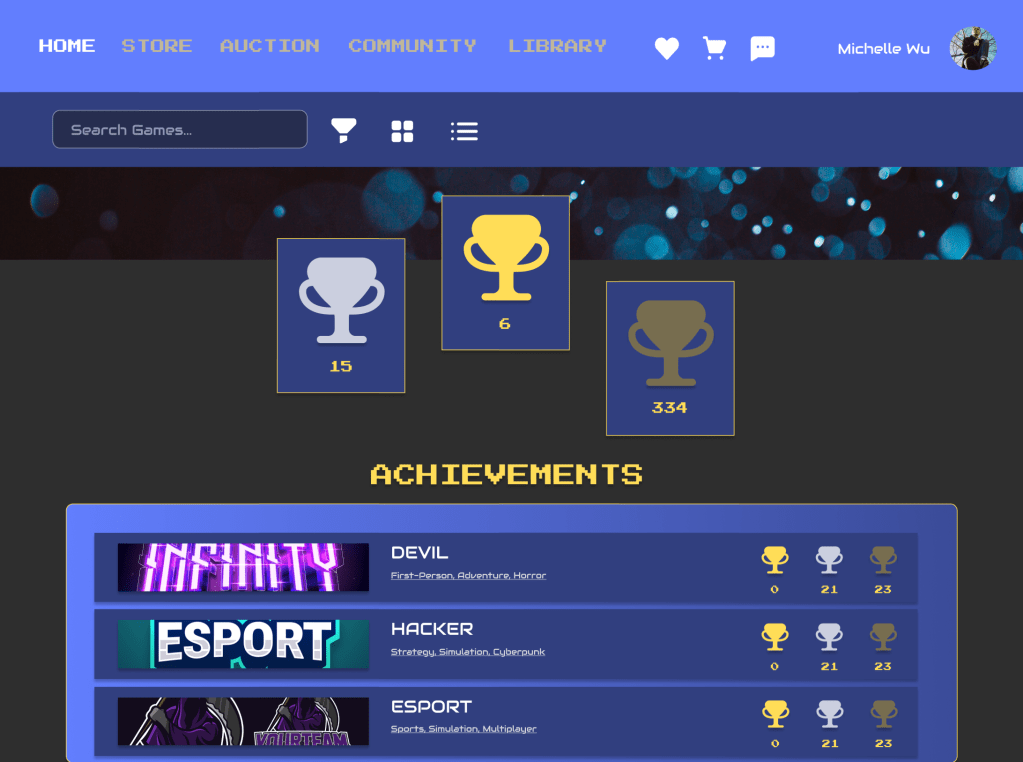
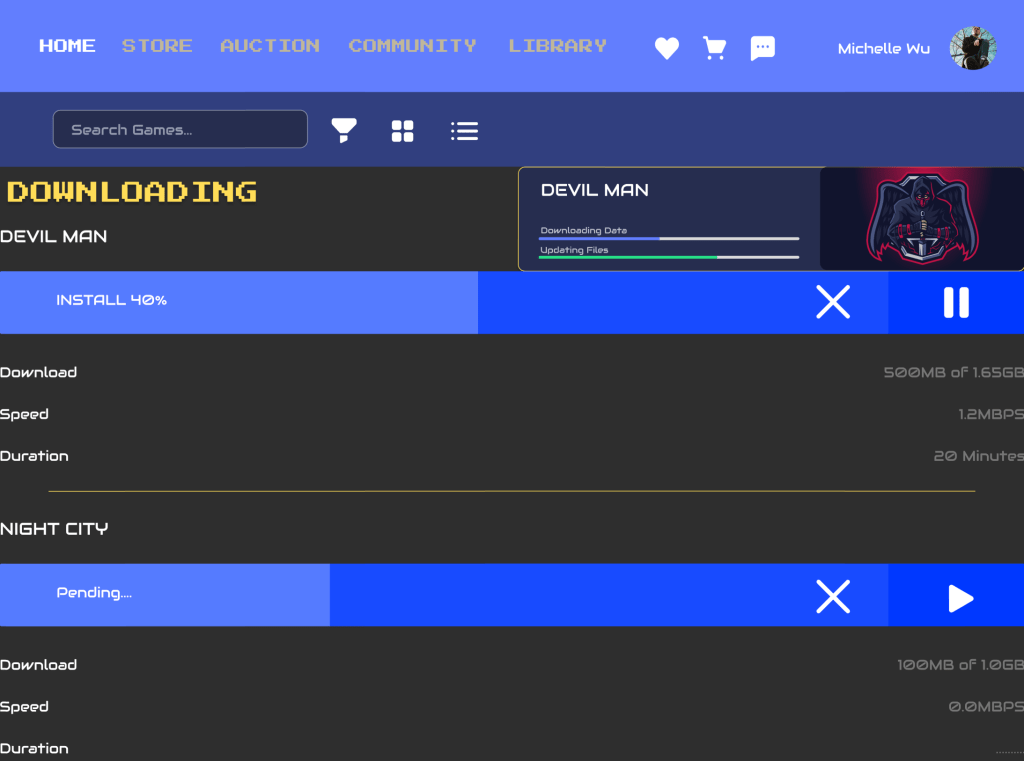
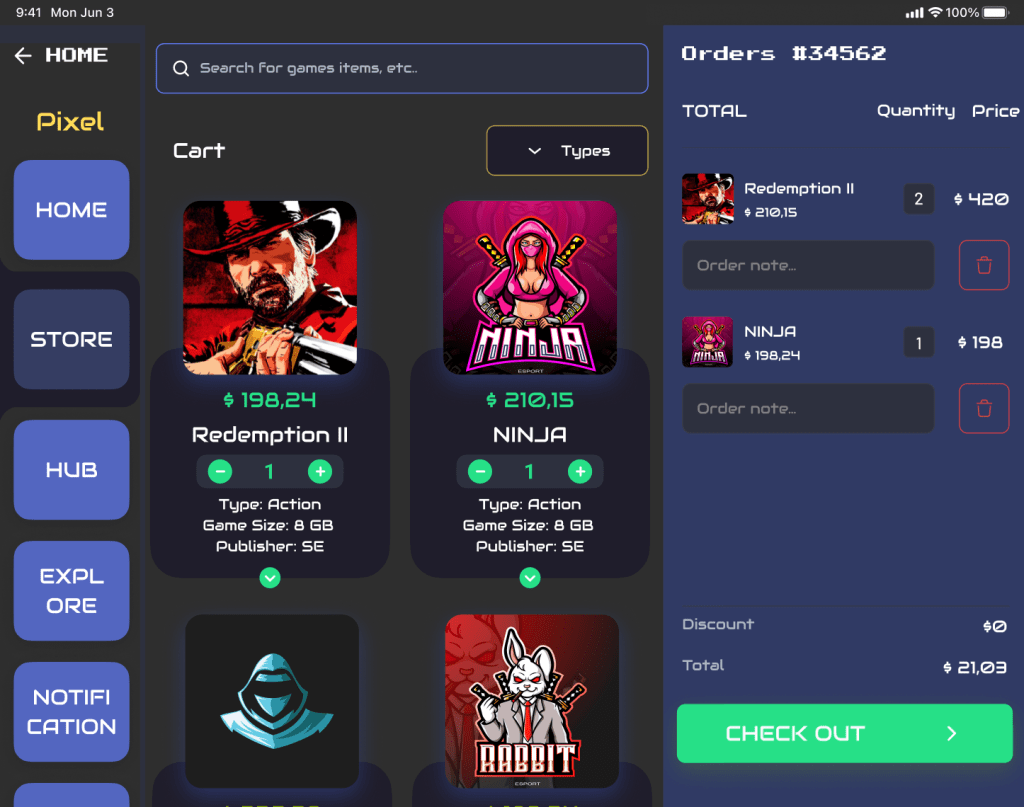
Individual Screen Designs
Mobile
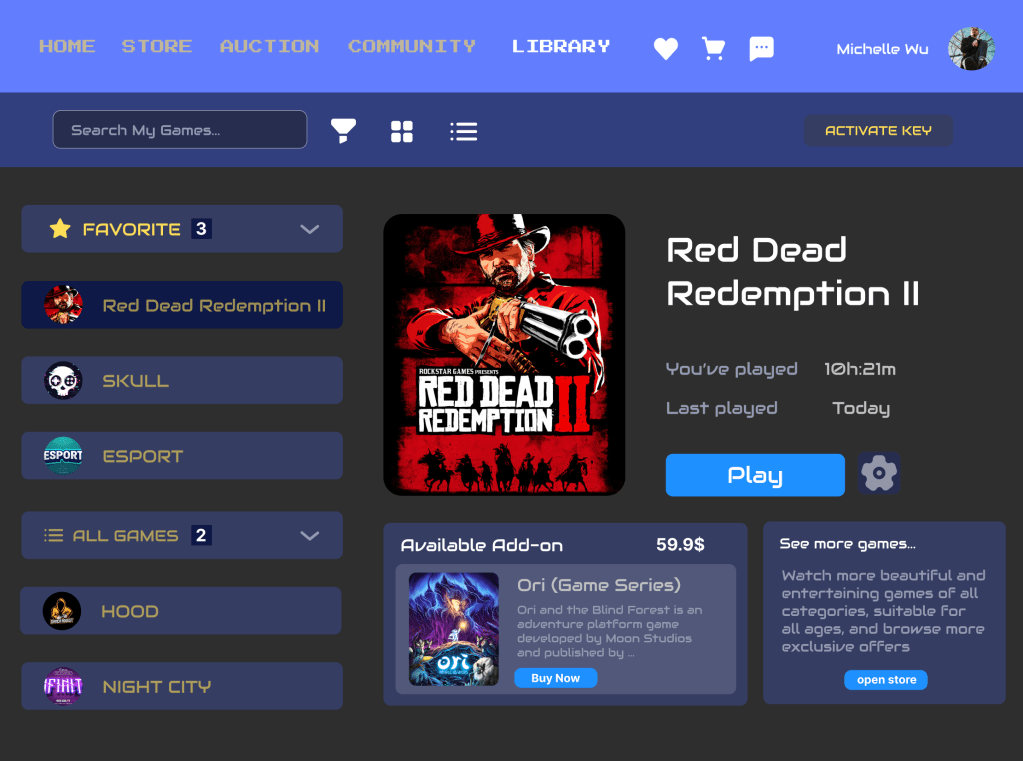
Desktop
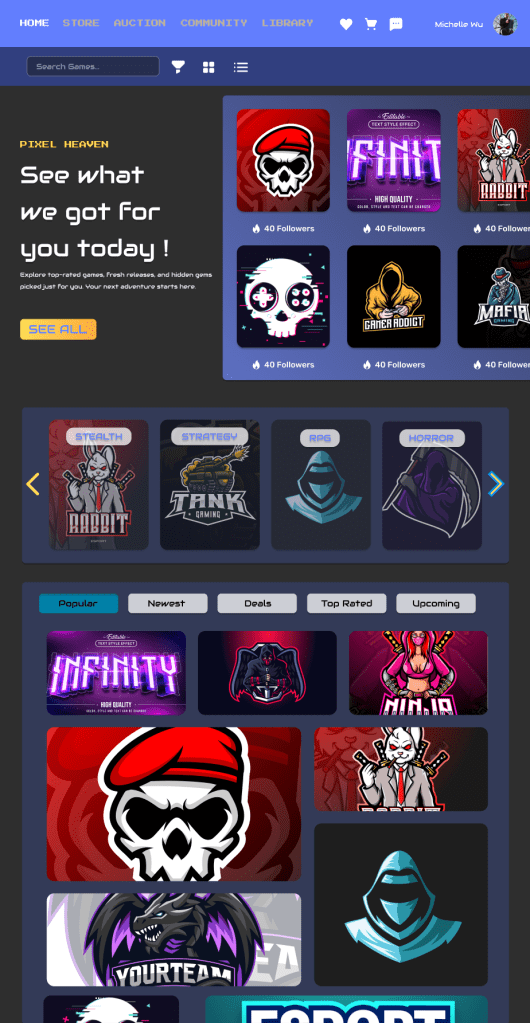
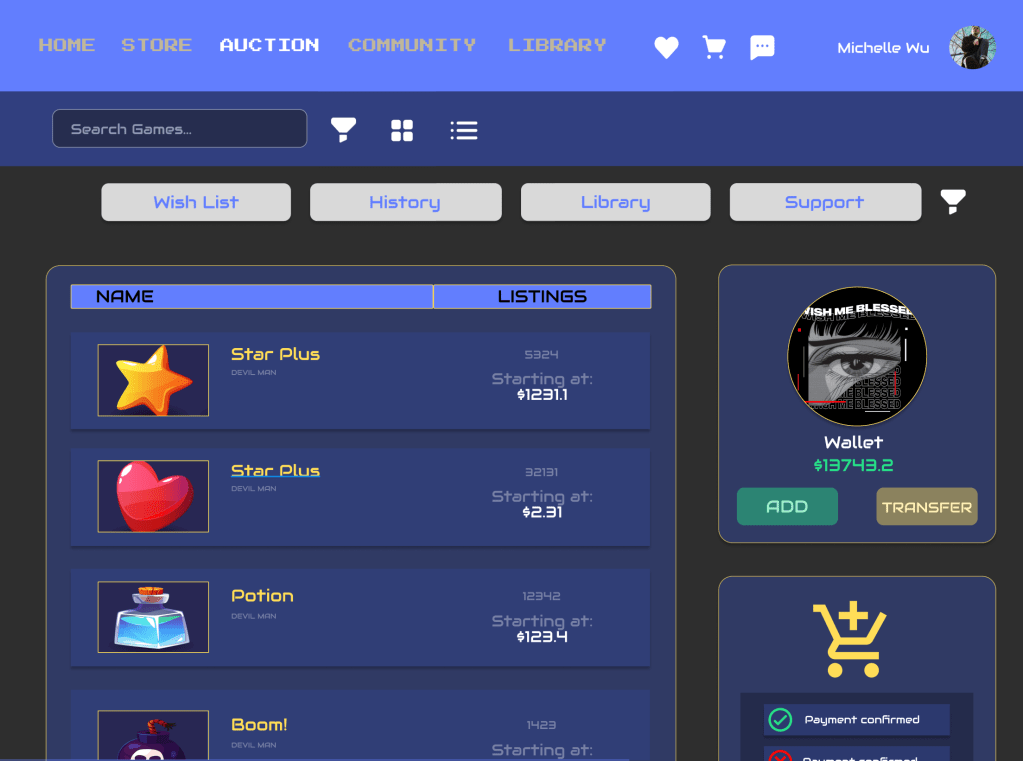
Tablet
Usability Test Feedback
Executive Summary
In this usability study, most users were able to successfully browse and favorite games, completing core tasks with relative ease. However, some issues were identified in the checkout flow and notification settings. Users expressed confusion during payment confirmation and experienced minor interaction problems with notification toggles.
As a next step, I plan to refine the payment process by adding clearer confirmation prompts, improve the interaction design of the notification settings, and enrich the game detail pages by including more user reviews, ratings, and possibly gameplay videos.
Qualitative Findings
- Three out of five participants reported that they could not find a “Forgot Password” option on the login page, which increased hesitation during onboarding.
- Four participants said that the game detail pages felt too limited and requested additional content such as user reviews and gameplay videos.
- Two participants were confused during the payment process and suggested adding a confirmation screen.
- Two participants found some navigation icons unclear and recommended adding text labels.
- One participant stated, “I don’t find it useful to have to register an account immediately upon opening the app,” suggesting a preference for delayed registration.
- Several users praised the visual design and animations, saying they improved their impression of the platform.
Quantitative Findings
- 4 out of 5 participants (80%) successfully completed all assigned tasks.
- 3 participants hesitated during the checkout process, spending an extra 15–30 seconds confirming payment.
- 2 out of 5 participants (40%) had difficulty understanding navigation icons.
- 2 users made minor errors during checkout or navigation tasks.
- The average time spent completing the purchase task was 1 minute and 30 seconds.
Design Update Prioritization
- High Priority:
- Add a clear payment confirmation screen.
- Enrich game detail pages with user reviews, ratings, and gameplay content.
- Medium Priority:
- Add a “Forgot Password” option to the login page.
- Include text labels for navigation icons.
- Low Priority:
- Improve animations and transitions in the notification settings screen.
Walkthrough Video
Link to Figma Prototypes
Mobile:
Tablet:
Desktop:
Sources
- Astound. (2024, February 20). Average Internet Data Usage. https://www.astound.com/learn/internet/average-internet-data-usage/
- Entertainment Software Association. (2024). 2024 Essential Facts About the U.S. Video Game Industry. https://www.theesa.com/wp-content/uploads/2024/02/EIR_ESA_2024.pdf
- Financial Times. (2024, January 5). Steam released a record number of games in 2024. https://www.ft.com/content/4ed1ac0e-0920-4dbb-9841-9dbff9693c53
- Mainleaf. (2024, March 15). Game App Developers: Insider Tips to Boost User Retention. https://mainleaf.com/game-app-developers-insider-tips-to-boost-user-retention/
 Michelle Wu /Digital Designer